Publishing and operating reference
GoRun guidesReview a bilingual article from entry link to result
A practical acceptance matrix for routes, images, links and forms before approving publication.
A bilingual release is more than publishing two records. Readers arrive through menus, search, an archive or an old link, and each path may behave differently. This walkthrough creates a small review matrix for one Arabic and English article in GoRun. It is an editorial acceptance procedure, not a claim that a translation or every route is created automatically.
1. Choose a pair you can review completely
Start with one article and identify its intended counterpart. Record the content owner, the two public URLs and the main action in each language. If the counterpart does not exist, mark it missing; do not count an Arabic fallback as an English success. Keep a draft until both the content and the intended language relationship have been checked.
2. Make a small route matrix
Use a table with columns for language, entry point, expected destination and observed result. Include the homepage link, a menu or internal-page link, the article archive and the article itself. Add a relevant old URL when the site has saved redirects. Test the public destination, not only the address printed in a link: a redirect may lead to a different language.
3. Read the actual article on two widths
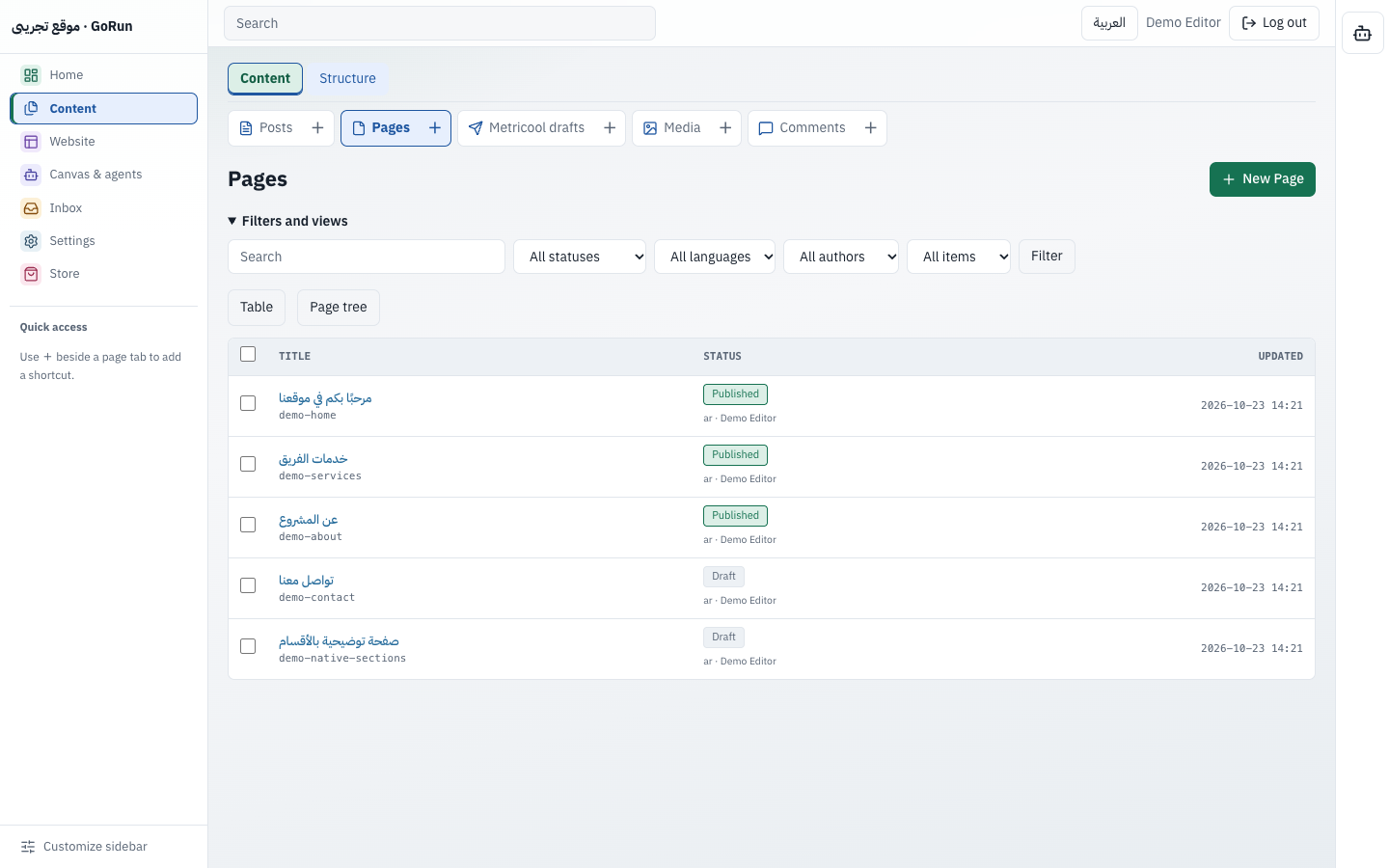
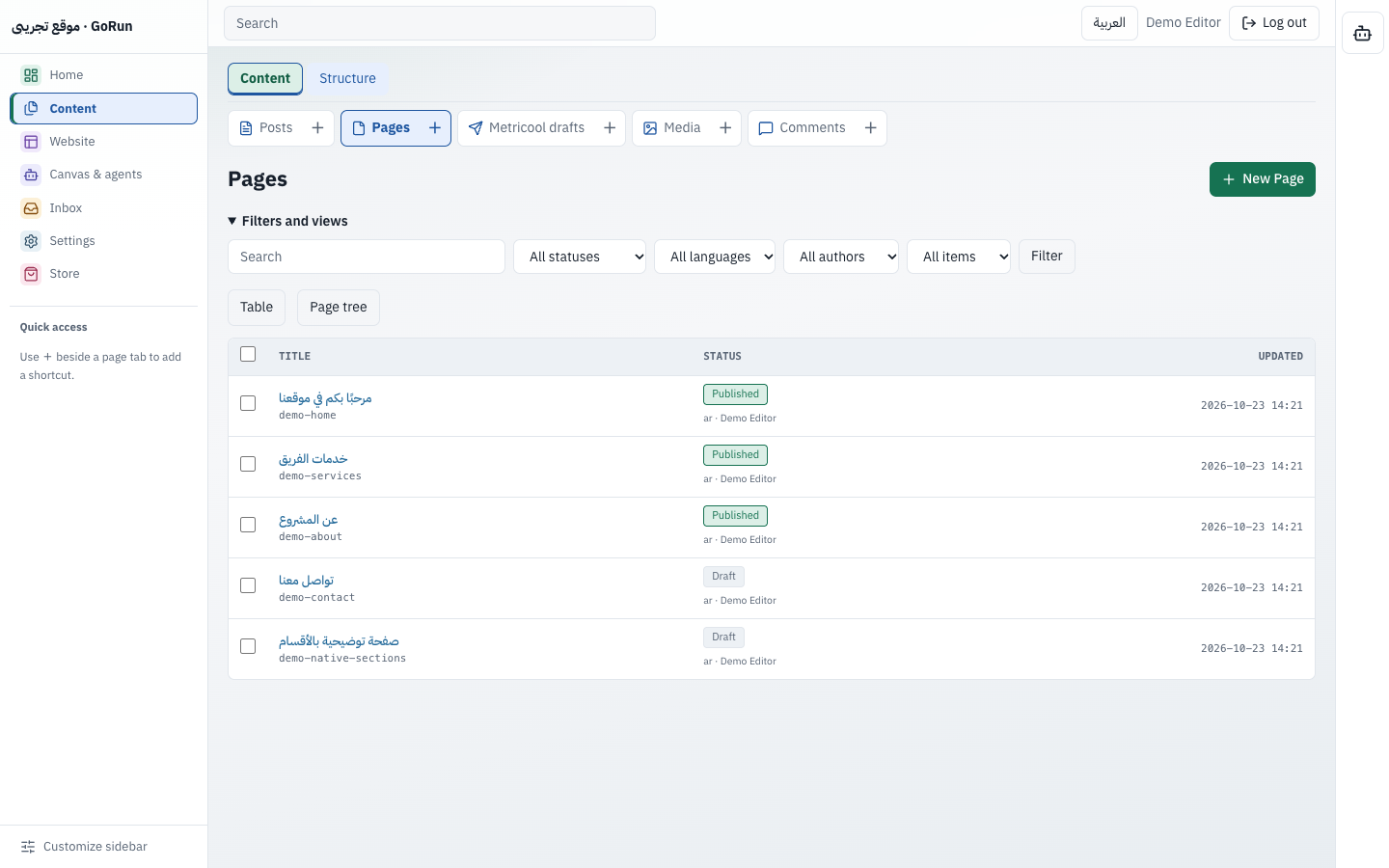
Open each public URL on a desktop-sized screen and a narrow mobile screen. Check the title, text direction, dates, headings and long tables. Inspect the image rather than accepting an empty box with a successful page response. Read its alternative text and caption in the page's language. A screenshot of an interface should identify its role as a reference, not imply that it shows your own live site.
4. Follow the next action
Open related links and the main action. Check that they lead to the intended content and explain a different-language destination when no translation is available. On an archive, compare the cards with the actual published articles. A useful empty state must not invent posts or present unrelated pages as articles. Try the relevant search term and inspect the result you receive.
5. Review form behaviour separately
If the reading path includes a form, confirm the action and the response language using an appropriate test on a form you control. Invalid input should identify the affected field without losing the reader's context. A successful GET of the contact page proves neither delivery nor validation. Avoid real enquiries or external actions merely to complete a visual check.
Keep a concise release record
- The two content records and their intended relationship.
- The route matrix and any saved redirect exceptions.
- Desktop and mobile observations.
- Image, link and form findings.
- The person who approves unresolved limits.
After a correction, repeat the affected public path and record what you actually observed. Do not carry an old success forward as evidence for changed content. Use the publishing guide for the overall workflow, theme guidance for presentation, and access guidance for who may make the change.